
About Total Video Converter
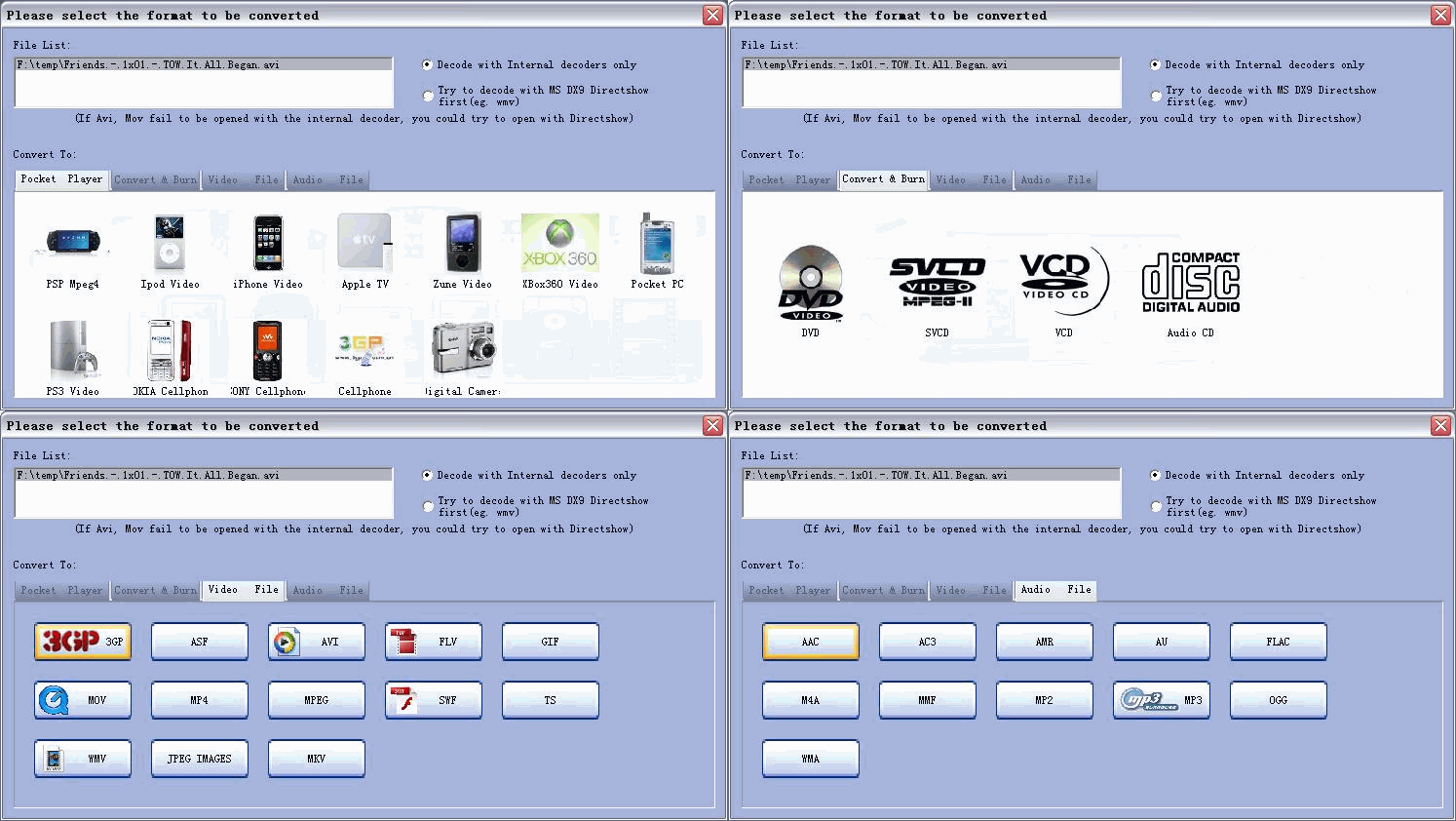
With years of experience in video editing, we understood some of the common issues when people try to move their loved home video to a modern media like DVD / SVCD / VCD / Apple iPod / PSP / 3GP / xbox360 / I-phone / I-touch / phone / mp4 etc . There are many different video formats. Different video software may handle them differently, and often, a video clip plays fine in one application but won't play or play out of sync in another.
Total Video Converter uses standard Microsoft Direct Show components as its foundation. We guarantee the compatibility of the encoded video, and often it is the only way to fix out-of-sync problems in some videos.
Hot Guides ( Tutorials for Mac )
Total Video Converter for Mac FAQS
Hot Guides ( Tutorials step by step for Windows )
Value HD Guides
Convert WMV HD video to ipod HD
How to convert HD video to Blu-ray ?
How to burn HD video to Blu-ray
Convert video to Pocket Player:
convert Video to Sony Cellphone ?
convert Video to Nokia Cellphone ?
How to combine several videos into one and put it in iPhone / iTouch?
How to convert Videos to Blackberry mp4?
How to create ringtone for mobile ?
How to convert video to play on Razz phone?
How to convert video to MP4 for SONY camera DSC-M2 ?
How to convert video to MP4 for SAMSUNG digital camera I5 ?
Convert & Burn video to Disk
For Video files :
How to convert MP4 video to AVI ?
How to convert MPEG video to AVI ?
How to convert MP2 stream video to AVI ?
How to convert DVD video to AVI ?
How to convert WMV video to AVI ?
How to convert MKV video to AVI ?
How to convert XVID video to AVI ?
How to convert FLV video to AVI ?
How to convert Realvideo to AVI ?
How to convert AVI video to MP4 ?
How to convert FLV video to MP4 ?
How to convert DVD video to MP4 ?
How to convert WMV video to MP4 ?
How to convert MPEG video to MP4 ?
How to convert Videos to MP4 ?
How to convert video to MPEG with MPEG converter?
How to convert THM video to MPEG ?
How to convert WMV video to MOV video ?
How to convert AVI video to MOV video ?
How to convert MPEG video to MOV video ?
How to convert FLV video to MOV video ?
How to convert AVI movie to MKV movie ?
How to convert DVD movie to MKV movie ?
How to convert DVD video to MPG video ?
How to convert AVI video to MPG video ?
How to convert AVI video to 3GP video?
How to convert AVI video to DIVX video ?
How to convert DVD movie to DIVX movie?
How to convert FLV video to GIF ?
How to convert AVI video to Flash swf?
How to convert VOB video to WMV?
How to convert Videos to 3gp ?
How to convert Real player IVR to FLV ?
How to convert DV-AVI to Xvid ?
For Audio files :
How to convert FLV video to CD ?
How to convert IVR to Quicktime?
Edit Video
How to add subtitles to video ?
How to separate audio from video quickly?
How to re-size MKV video file ?
How to extract movies / videos with video and audio separately?
How to join several videos into one ?
Download Video
How to download flash videos / movies from YouTube (or other video websites)?
FAQs
1. Why choose E.M. Total Video Converter ?
2. What's the options for the command line version?
3. Why I can not open wmv file with Total Video Converter?
4. Was Swf file not recognized by Total Video Converter?
5. How many languages E.M. Total Video Converter supports ?
6. Could you give us brief explanation for audio / video formats in general ?
7. Why Total Video Converter can not open some formats / files ?
8. How to remove watermark on the converted video files?
9. How do I run Total Video Converter under Windows Vista?


